Save a complete look
Choose photos from your library or take a new one. Add the date, occasion, tags and notes that will help you remember it.
Free outfit photo diary for iPhone
Save a photo of the whole outfit, find it when an occasion comes around, and keep every time you wore it together. Start with one favorite look. You do not need to catalog every garment in your closet.
Download Outfit Recall free on the App Store
No account, subscription, ads, or entry limit. Your journal works offline.
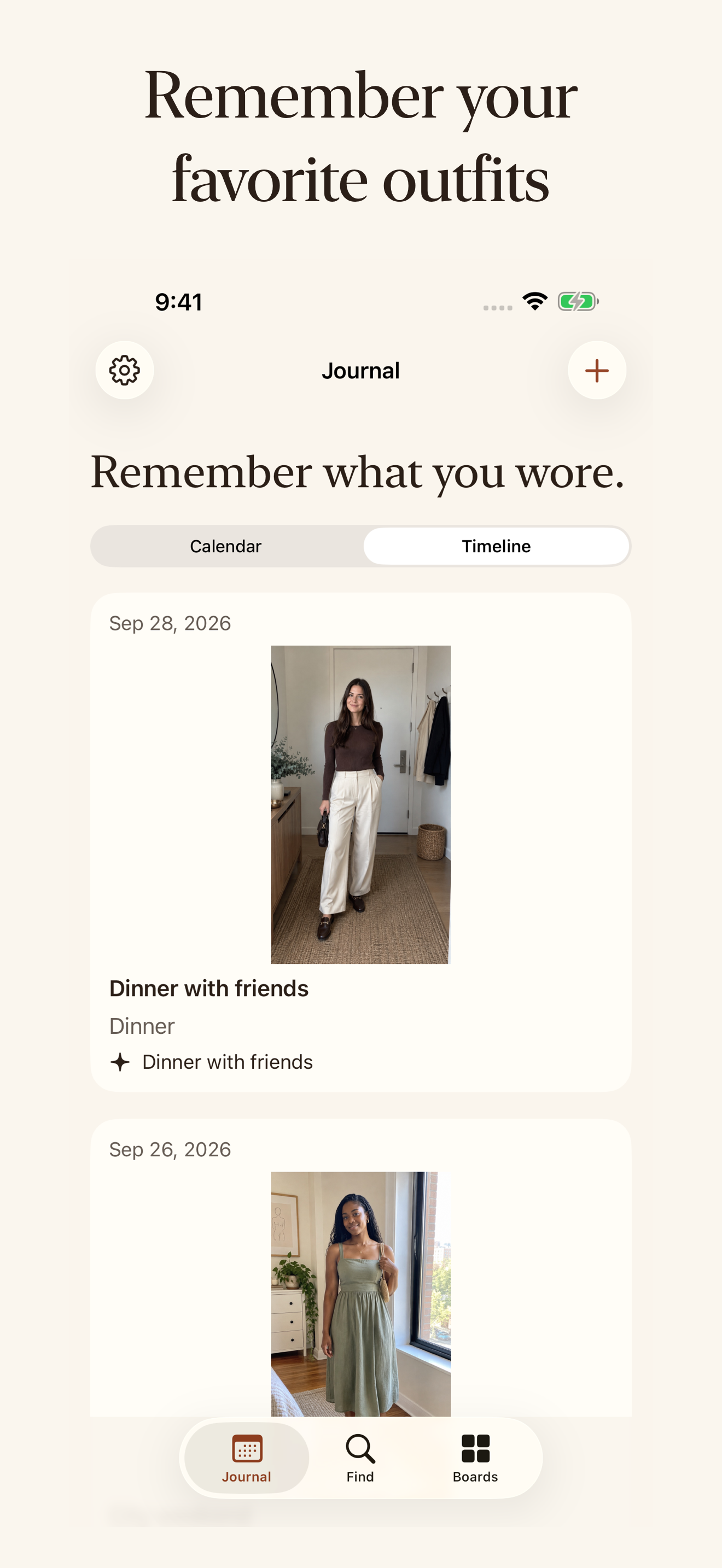
Choose photos from your library or take a new one. Add the date, occasion, tags and notes that will help you remember it.
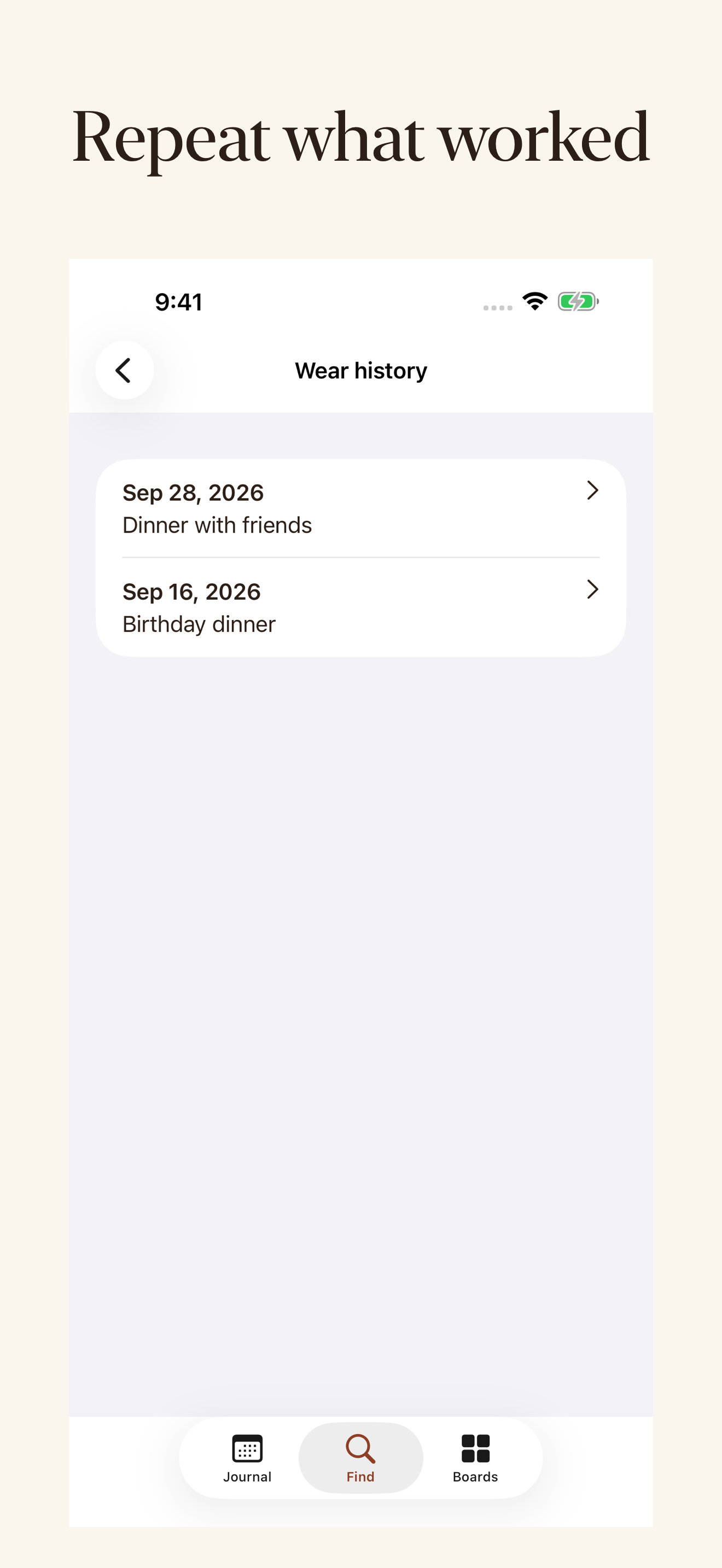
Browse the journal or search the occasions, tags and notes you entered. Find a favorite by date without digging through your camera roll.
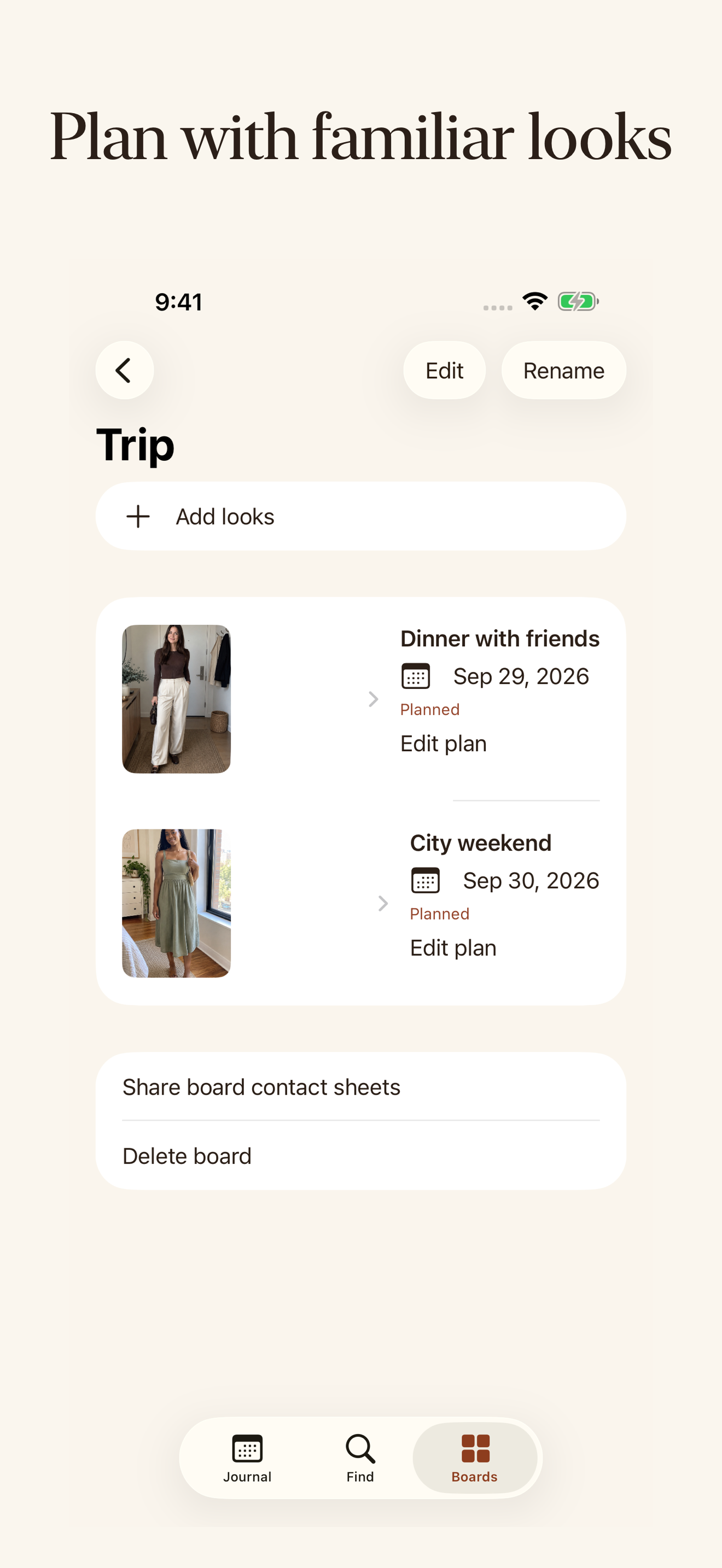
Add a new wear date to the same look. Make boards for a trip or week; planned dates remain separate from the days you actually wore an outfit.
Open a saved outfit and choose Wear again. Save the new actual date and occasion, then see that wear in the look's history. The outfit stays one look instead of becoming a duplicate photo entry. A future plan does not count as a wear.
Yes. There is no subscription, in-app purchase, account requirement, advertising or imposed entry limit in Outfit Recall. Available photo storage depends on your device. Tonebook is a separate optional app with some paid features.
Your photos and notes are stored locally on your device, and the journal works offline. This release does not offer live cloud sync. Normal system backups may include app data according to your device settings. You can export a full archive and restore your library; an archive you save or share is under the destination's control.
If you want personal color guidance for future looks, you can explore Tonebook separately. Outfit Recall works fully without it. Opening the Tonebook App Store link does not send your outfit photos, notes or wear history. Color analysis needs a separate suitable face selfie and its own consent; some Tonebook features require payment.